
Workspace Pro
Node workflows for the whole shoot.
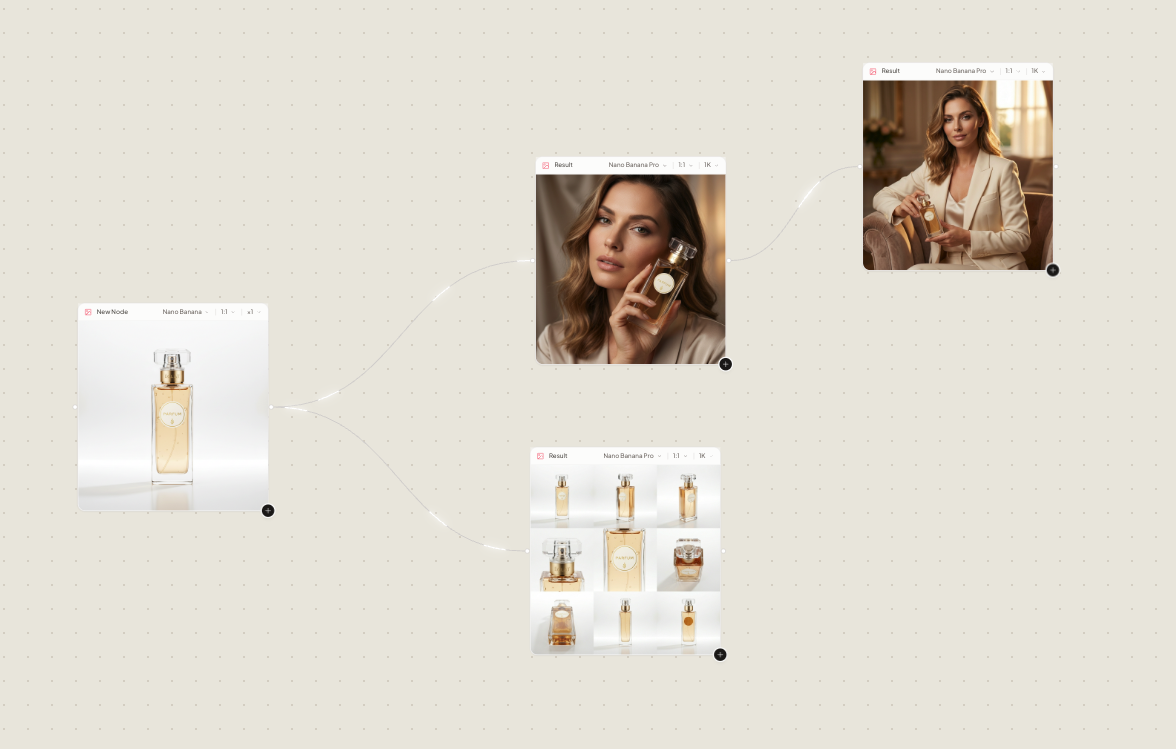
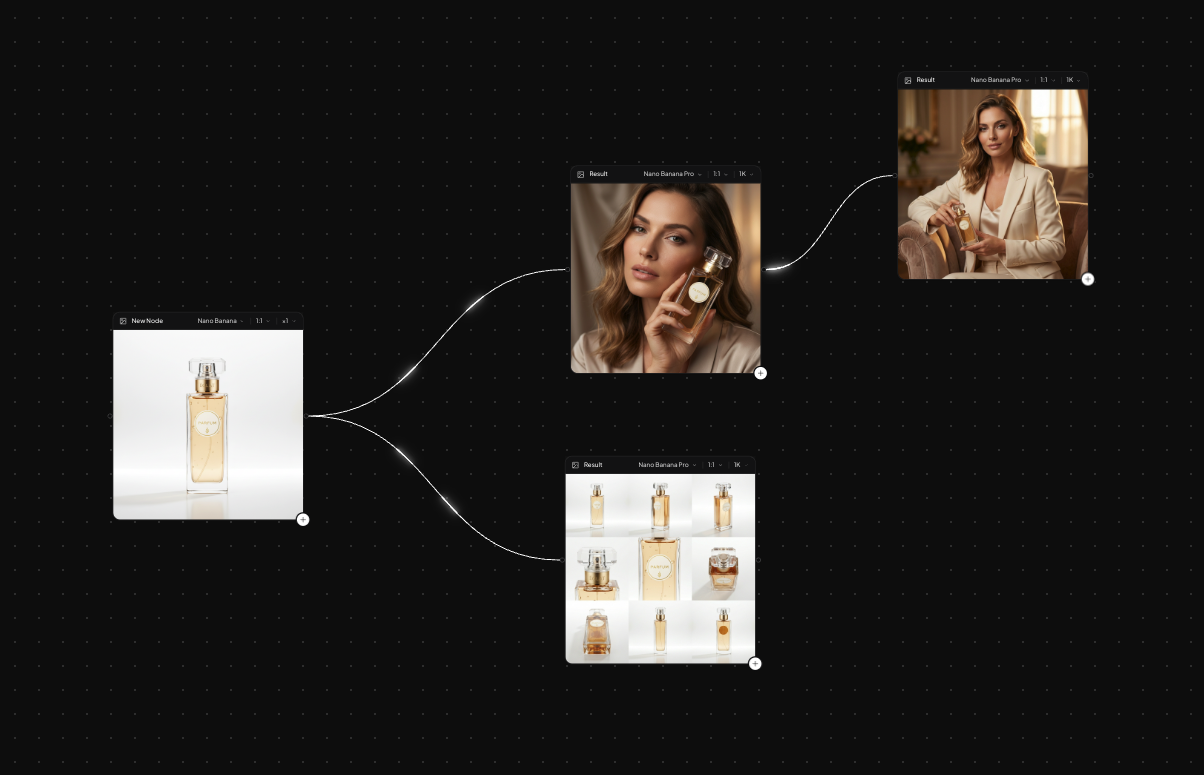
Workspace Pro is a node canvas, not a single prompt box. Drop a product still, connect a generation node, then an assistant. Chain the shoot, branch a variant, keep every version on the graph.
6 images free for 3 days. No charge if you cancel before day 3.
How it works
From one still to a whole workflow
- 01
Drop your assets
Stills, prompts, generations and assistants sit on the canvas as nodes.
- 02
Connect and chain
Pipe a studio frame into a lookbook node, then into the next step of the shoot.
- 03
Branch and compare
Split a variant for a second crop, model or location and keep both on the graph.
What you get
Workspace Pro in Lomar
Every asset is a node
Connect, mute or rerun any step without starting over.
Chain and branch
Build a whole shoot as one flow, with variants side by side.
Every version kept
Nothing is overwritten. The graph is your history.
The graph travels
The same workflow, Brand Kit and Library on web and iPhone, with the same credits.
Questions
Workspace Pro: questions and answers
What is Workspace Pro?
A node canvas where you connect stills, generation nodes and assistants to chain and refine an entire shoot, branch variants, and keep every version on the graph.
Do I need Workspace Pro to use Lomar?
No. The Creator Studio covers social ads, product photography and campaigns. Workspace Pro is for building longer workflows by hand.
What does it cost?
Each generated image costs 2 credits. The Starter plan is $9.99 per month and includes a 3-day free trial with 6 images, with no charge if you cancel before day 3. Credits work on the web and in the iPhone app.
More from the studio