What can I create with Lomar?
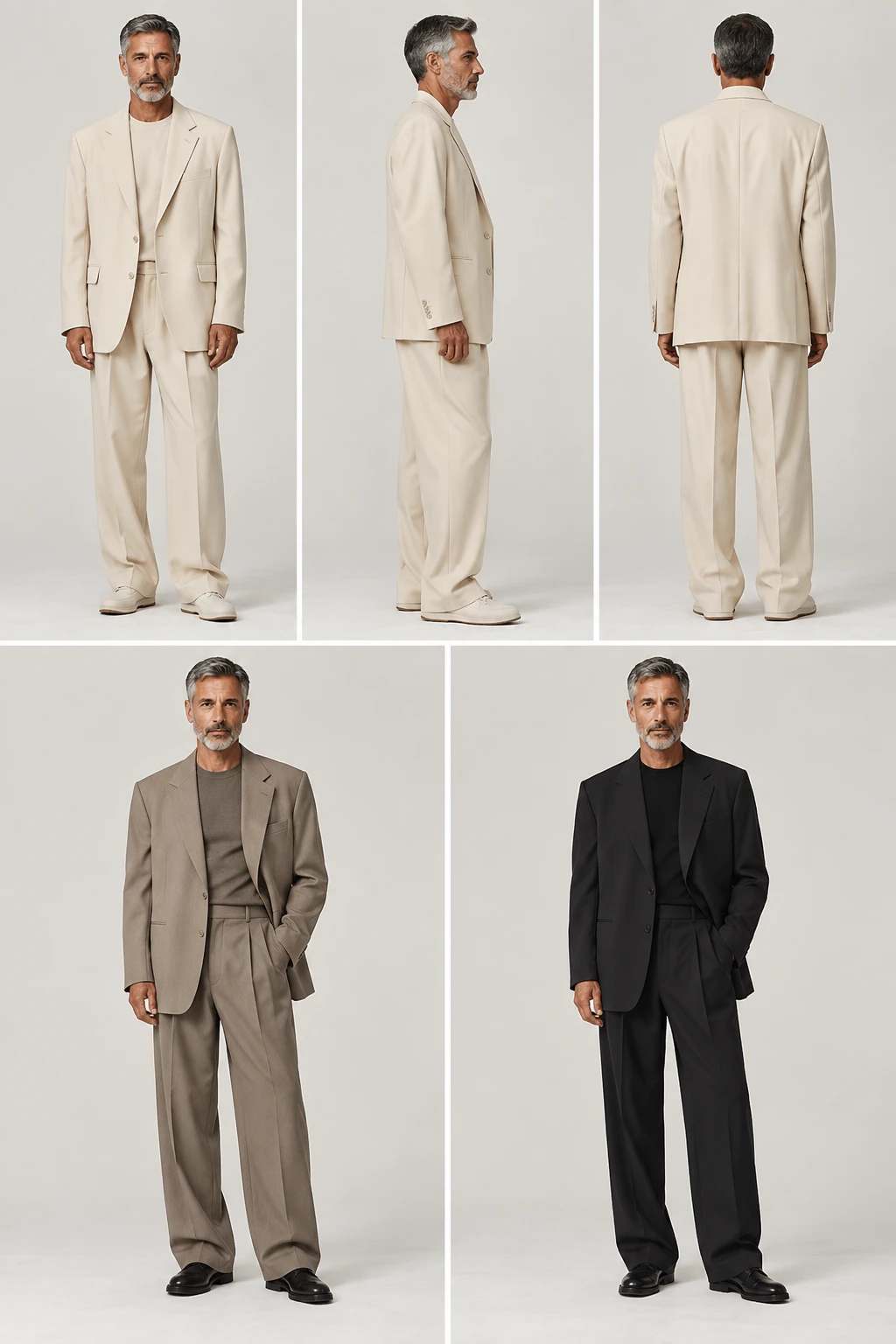
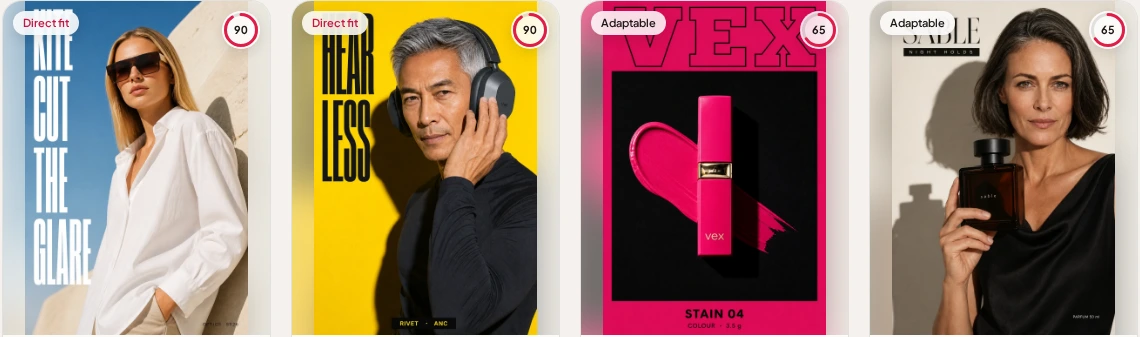
- Lomar creates social ads, catalogue-ready product photography, and multi-frame editorial campaigns. You can choose a model, translate finished visuals, organize assets in your Library, and schedule approved content in Planner.
What does Lomar need to start a shoot?
- Upload a product photo, choose an existing Library asset, or paste a product or shop URL. A URL can build reusable Brand DNA from your logo, colours, typography, and positioning, but it is only one way to start.
Do I need to write prompts or fill in templates?
- No. Pick the shoot type, format, and optional cast, and Lomar handles the art direction. You can add a short creative direction when you want more control, but prompt writing is not required.
Can I use real models in my shoots?
- Yes. Lomar has 46 faces on permanent call, so you can place the same model across your product shots and campaign frames without casting calls, day rates, or rebooking.
What is Workspace Pro?
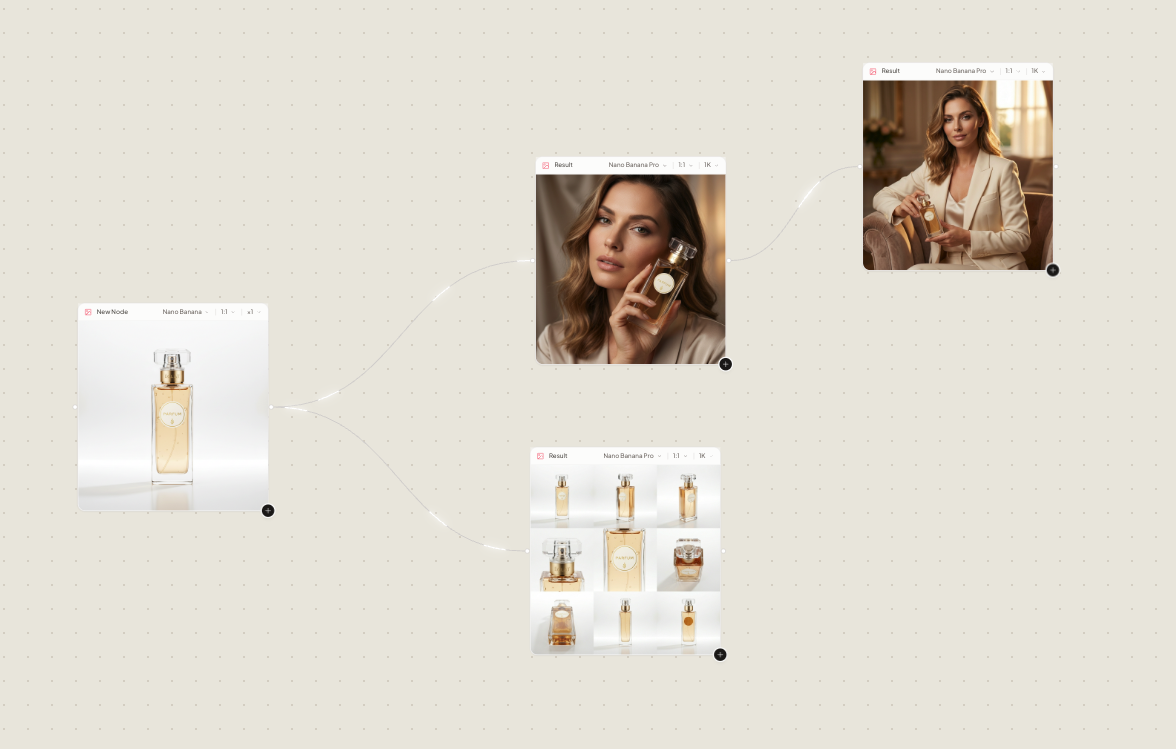
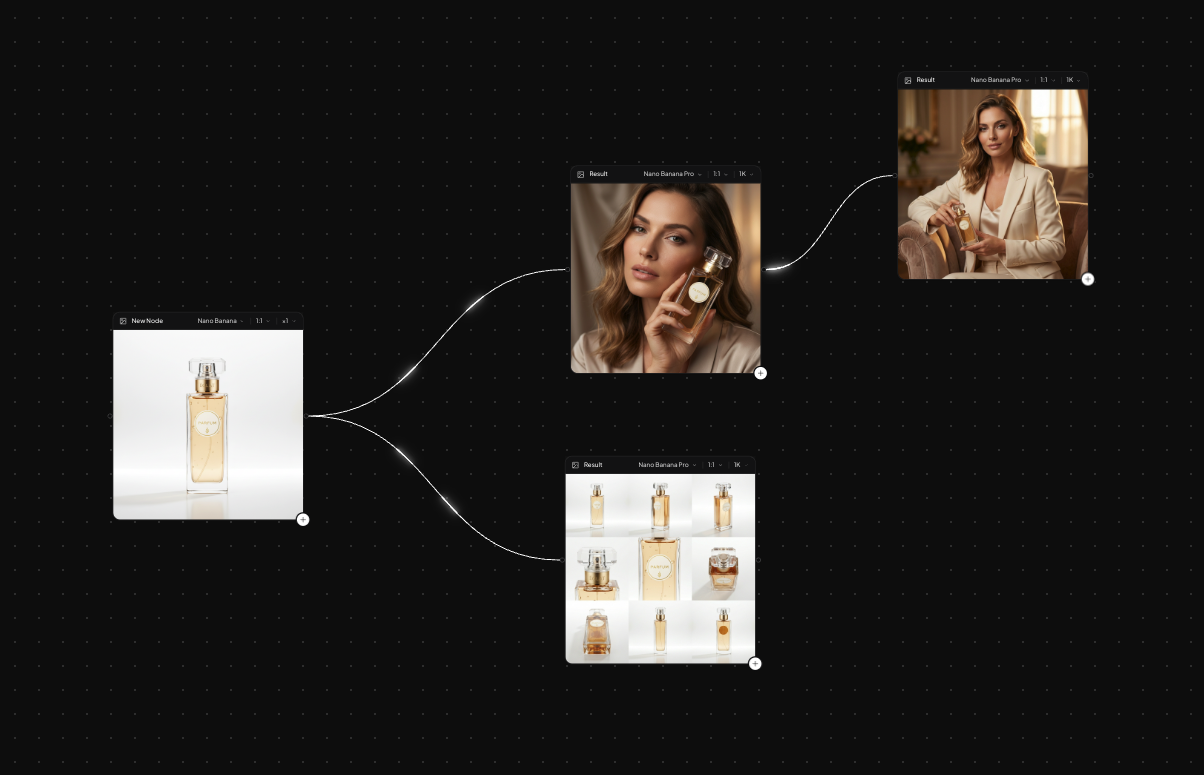
- Workspace Pro is a node canvas where you connect stills, generation nodes, and assistants to chain and refine an entire shoot, branch variants, and keep every version on the graph.
Is Lomar available on mobile?
- Yes. The same studio, Brand Kit, Library, and credits are available on iPhone through the Lomar iOS app, so you can start a shoot on your phone and finish at your desk.
Can Lomar publish to social media?
- Yes, through Planner. Connect an eligible Instagram, Facebook, Threads, TikTok, Pinterest, or LinkedIn account, approve a post, and choose when to publish it. Connections are optional and can be disconnected in Lomar. Planner is available on Creator, Pro and Business plans.
What cookies does Lomar use?
- Necessary cookies and local storage keep the site, login, and checkout working. Optional cookies for advertising stay off until you allow them in the cookie banner. Your consent choice is valid for up to 365 days. You can reopen Cookie settings from the footer to change it.
How much does Lomar cost, and is there a free trial?
- The Starter plan is $9.99 per month and includes a 3-day free trial with 6 images, with no charge if you cancel before day 3. Plans range up to $169.99 per month for higher credit volumes. A card is required for the trial. Starter includes 100 monthly credits for up to 50 images at 2 credits per image. The same credit balance works on web and iPhone, and subscriptions renew monthly with the option to cancel at any time.
How are credits used?
- Each generated image or design costs 2 credits. Credits work across both web and iOS, and subscriptions renew monthly with the option to cancel at any time. Starter includes 100 monthly credits, enough for up to 50 images at that rate.