
Lookbook
Turn your product catalogue into a lookbook.
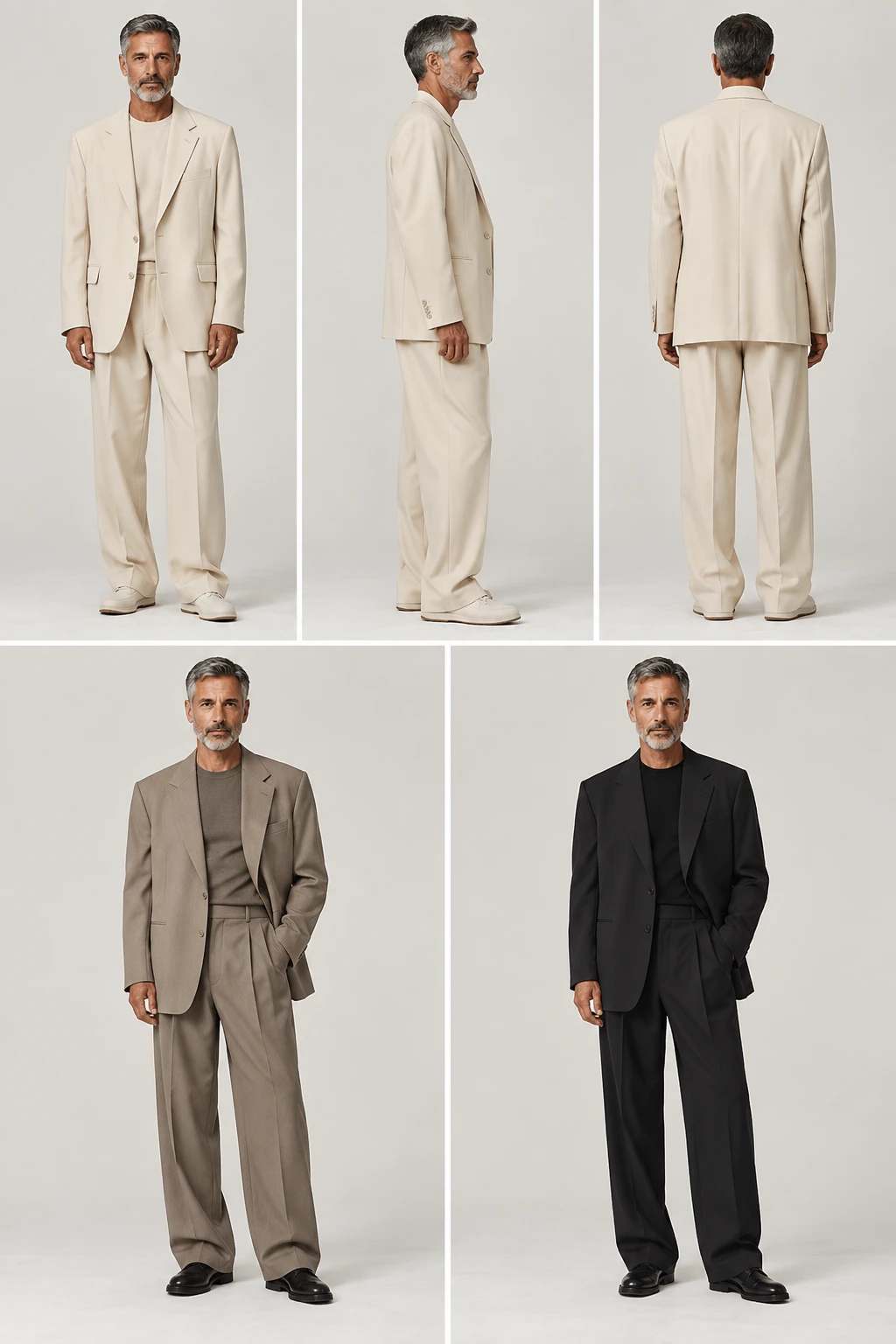
Upload a front photo of each garment, group them into looks, and choose the model, backdrop and light once. Lomar shoots every look the same way, so the whole collection holds together.
6 images free for 3 days. No charge if you cancel before day 3.
How it works
From garment photos to a lookbook
- 01
Add the pieces
Upload a front photo of each garment, and a back photo where you have one.
- 02
Group the looks
Put one to five garments in each look and choose the model, backdrop and light once.
- 03
Approve, then shoot it all
Review the first looks, approve the direction, then run the rest of the collection.
What you get
Lookbook in Lomar
Up to 200 looks
Up to 200 pieces and 200 looks per collection, with one to five garments in each look.
Front, three-quarter and back
Back views use the back photos you upload.
One consistent shoot
Same model, backdrop and light on every look.
Ready to send
Export approved images as a ZIP with an article CSV, or as an A4 PDF catalogue.
Lookbook is available on the Creator, Pro and Business plans.
Questions
Lookbook: questions and answers
How big can a collection be?
Up to 200 pieces and 200 looks per collection, with one to five garments in each look.
Can I show the back of a garment?
Yes. Upload a back photo and Lomar uses it for the back view. Without one, the look is shot from the front and three-quarter angle.
How do I export the lookbook?
Download the approved images as a ZIP with an article CSV, or as an A4 PDF catalogue.
Which plans include Lookbook?
Lookbook is available on the Creator, Pro and Business plans.
More from the studio