
iPhone app
The same studio, in your pocket.
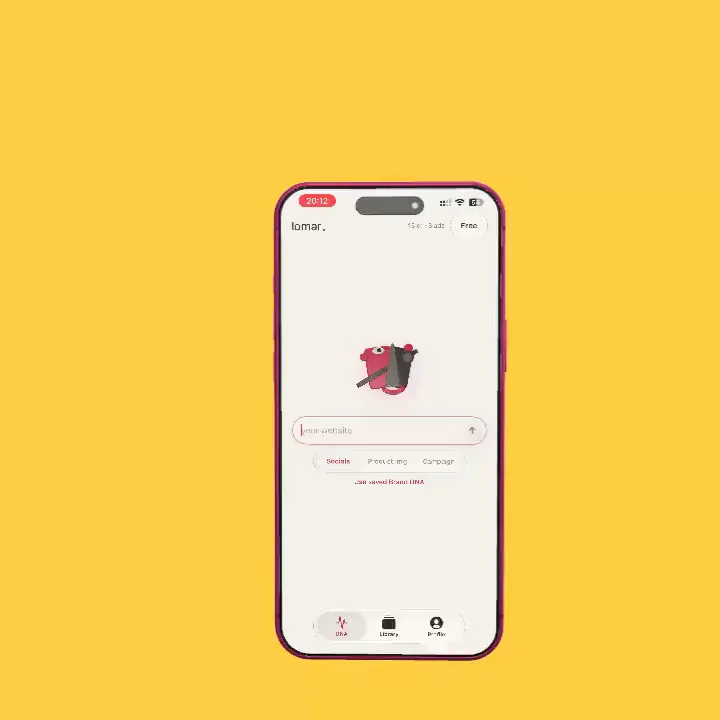
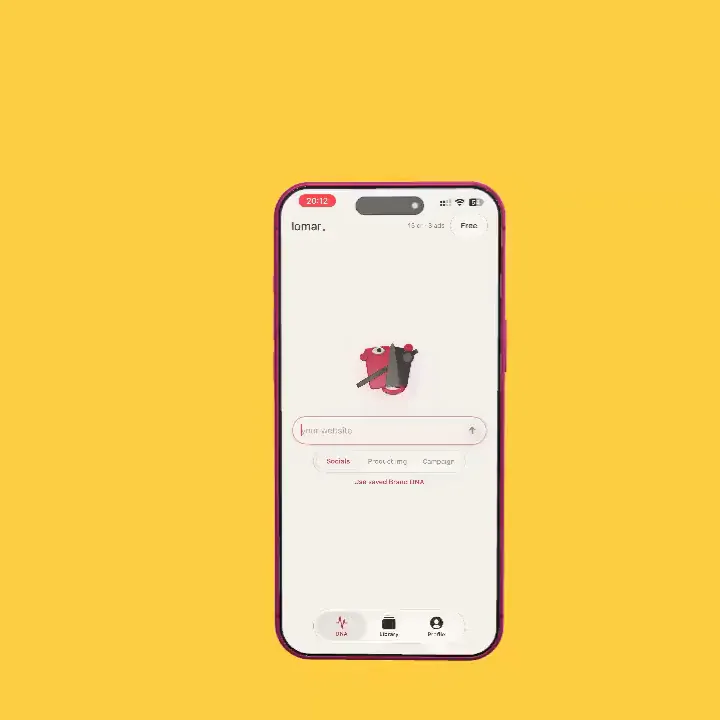
Create social ads, product images, and complete campaigns on the move. Choose a model, translate finished visuals, or plan a post. Same account and credits: start on iPhone, finish at the desk.

How it works
From your phone to your desk
- 01
Download Lomar
Get Lomar from the App Store and sign in with the account you use on the web.
- 02
Shoot on the move
Snap the product, choose a mode and a model, and let Lomar art-direct it.
- 03
Finish anywhere
Everything lands in the same Library, so you can pick it up at your desk.
What you get
iPhone app in Lomar
One account
The same login, Brand Kit and Library on iPhone and the web.
Shared credits
Credits work in both places. Subscribe on either.
Shoot from the camera
Use a fresh phone photo as the product reference.
Plan on the go
Translate finished visuals or plan a post from your phone.
Questions
iPhone app: questions and answers
Is Lomar available on iPhone?
Yes. The same studio, Brand Kit, Library and credits are available on iPhone through the Lomar iOS app.
Do I need a separate subscription?
No. One account works on the web and on iPhone, and credits are shared between them.
More from the studio