
Product photography
AI product photography from one photo.
Turn a product photo or shop link into clean packshots, catalogue-ready studio images, or a lookbook with the model you choose.
6 images free for 3 days. No charge if you cancel before day 3.
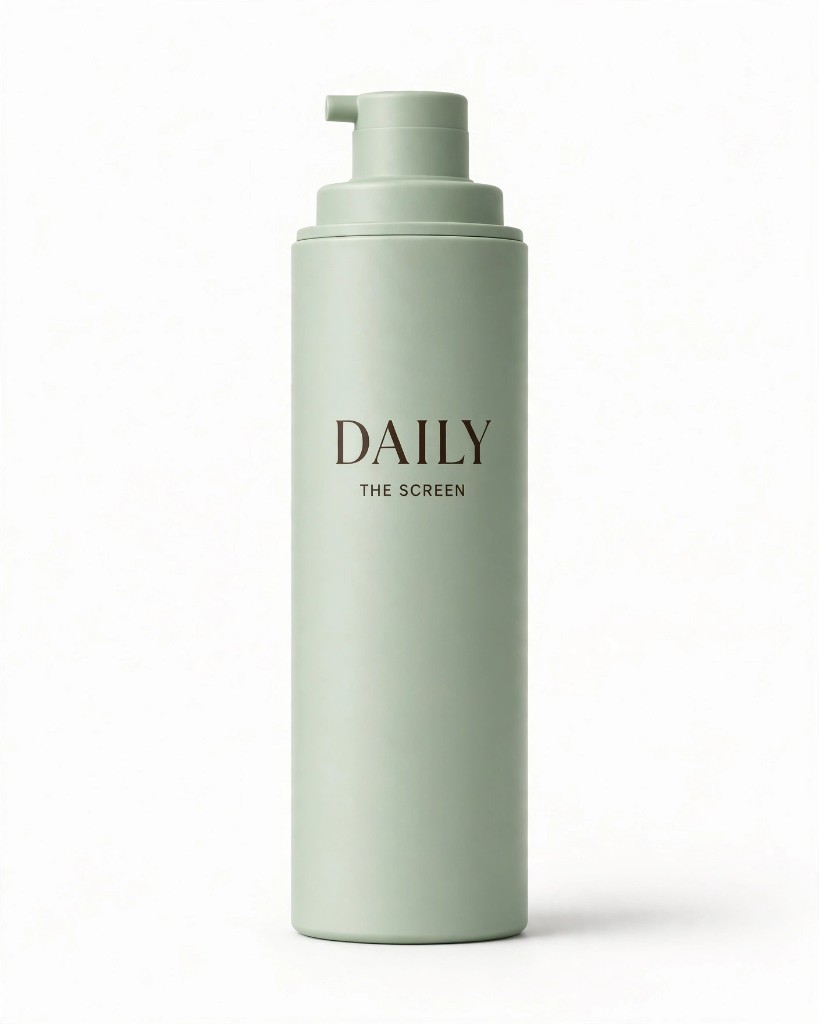
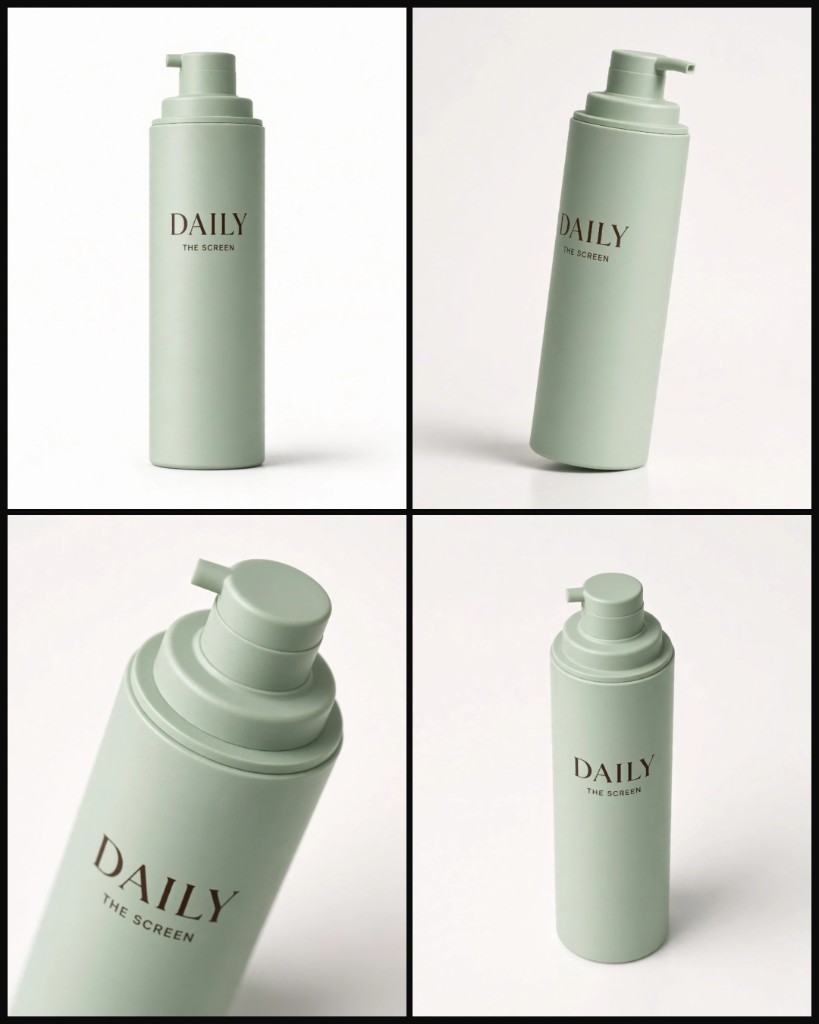
How it works
From one photo to a studio series
- 01
Bring one photo
A phone photo, an image from your Library or a product link. Lomar works from that reference, so the product stays your product.
- 02
Set the shoot
Choose how many images (up to 12), the frame, with or without a model, and the backdrop.
- 03
Use it anywhere
Results land in your Library. Download them for your shop or schedule them in Planner.
What you get
Product photography in Lomar
Clean packshots
Studio light and a clean backdrop for shop listings and catalogues.
Styled sets
Your product in a composed scene with props and light that fit the brand.
On a model
Book one of 46 models and put your product in their hands.
Consistent series
One shoot gives up to 12 images that belong together.
Made with Lomar
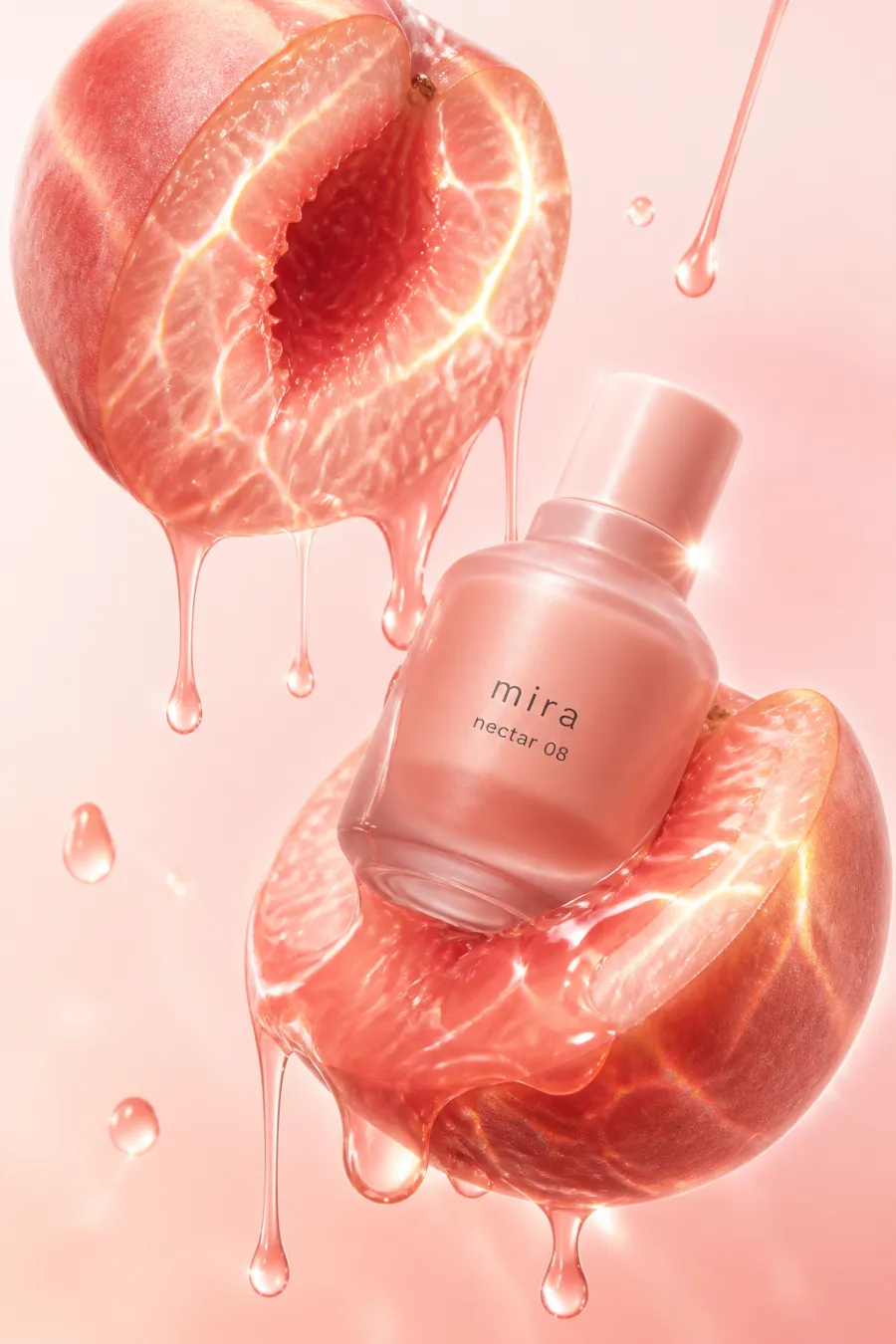
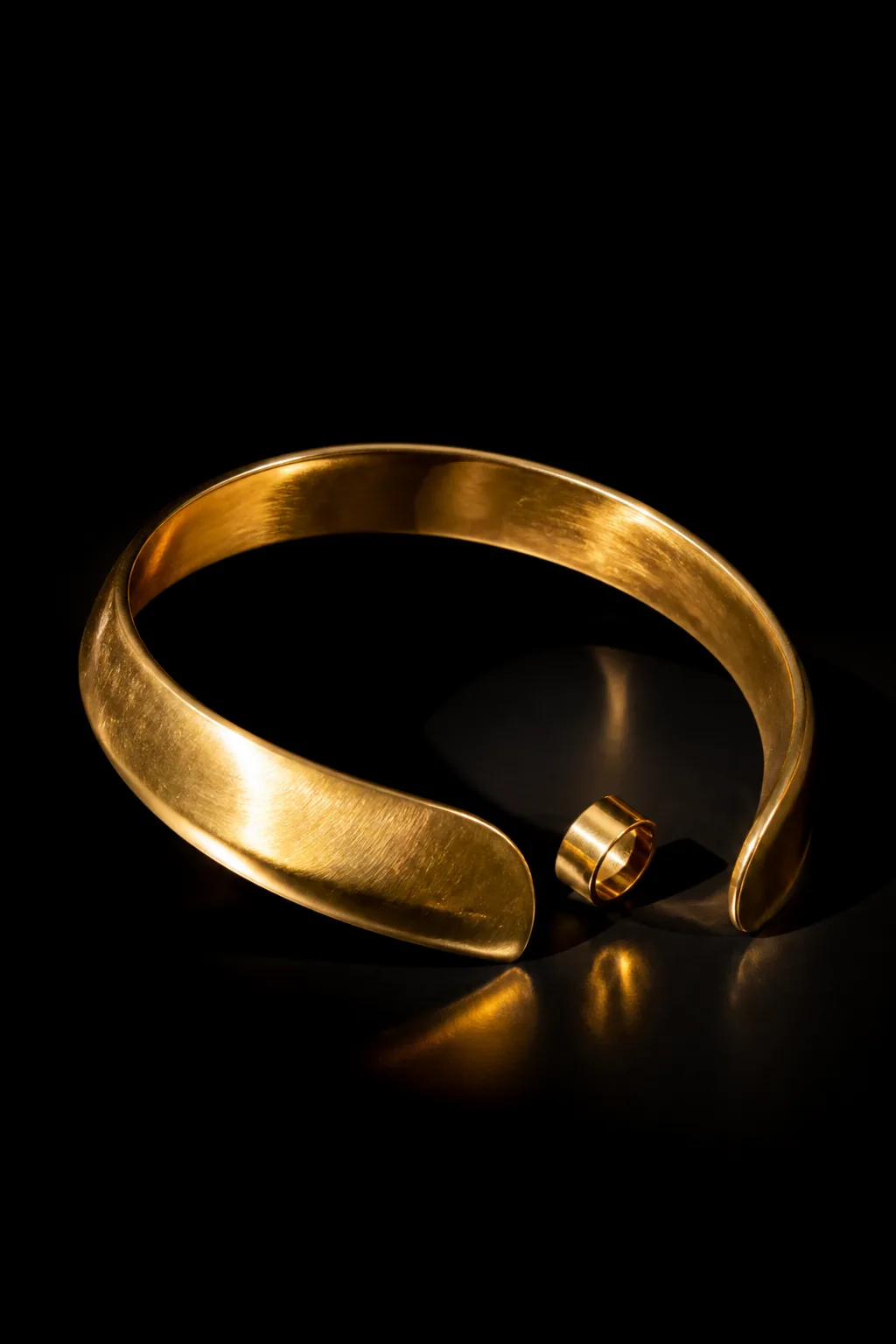
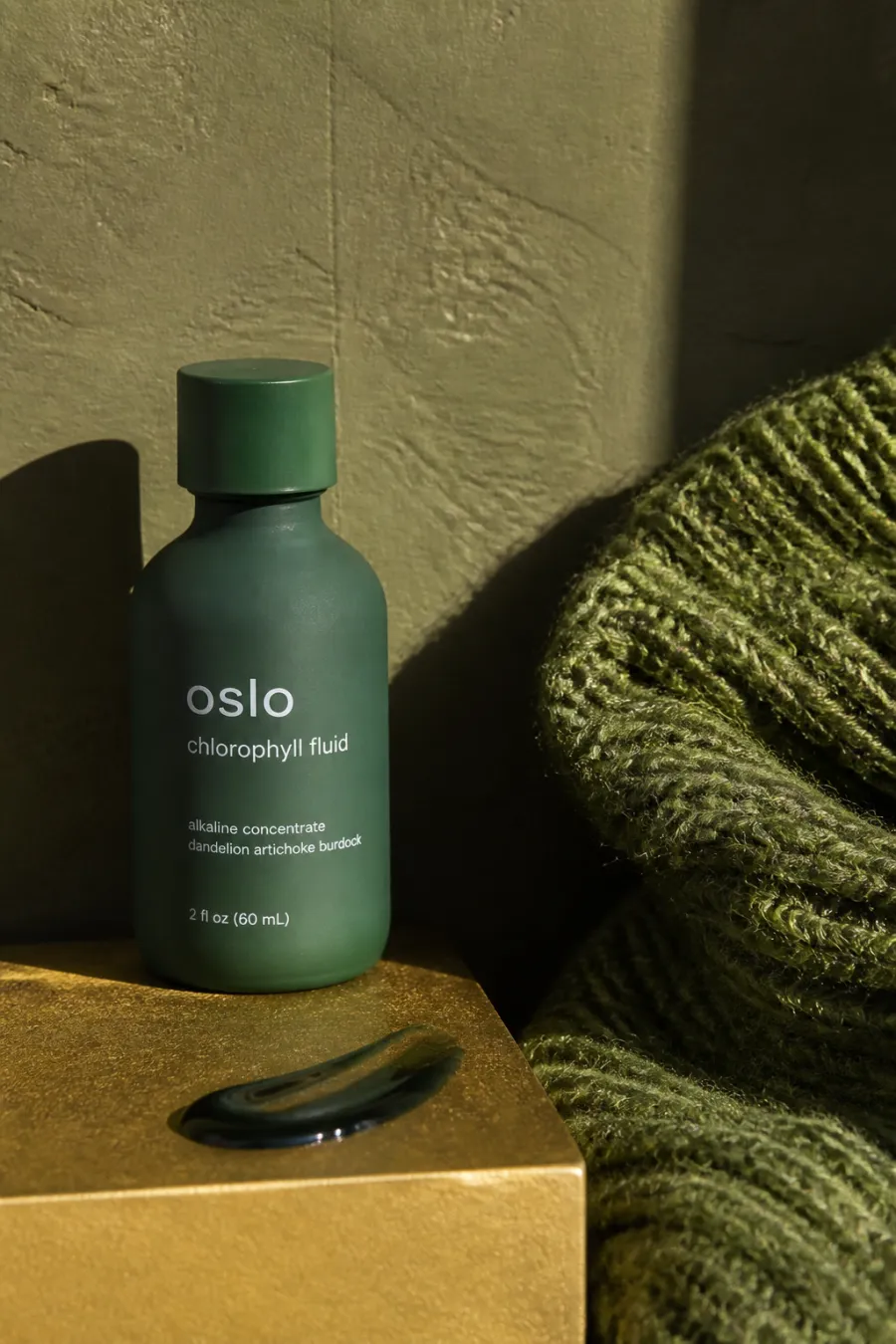
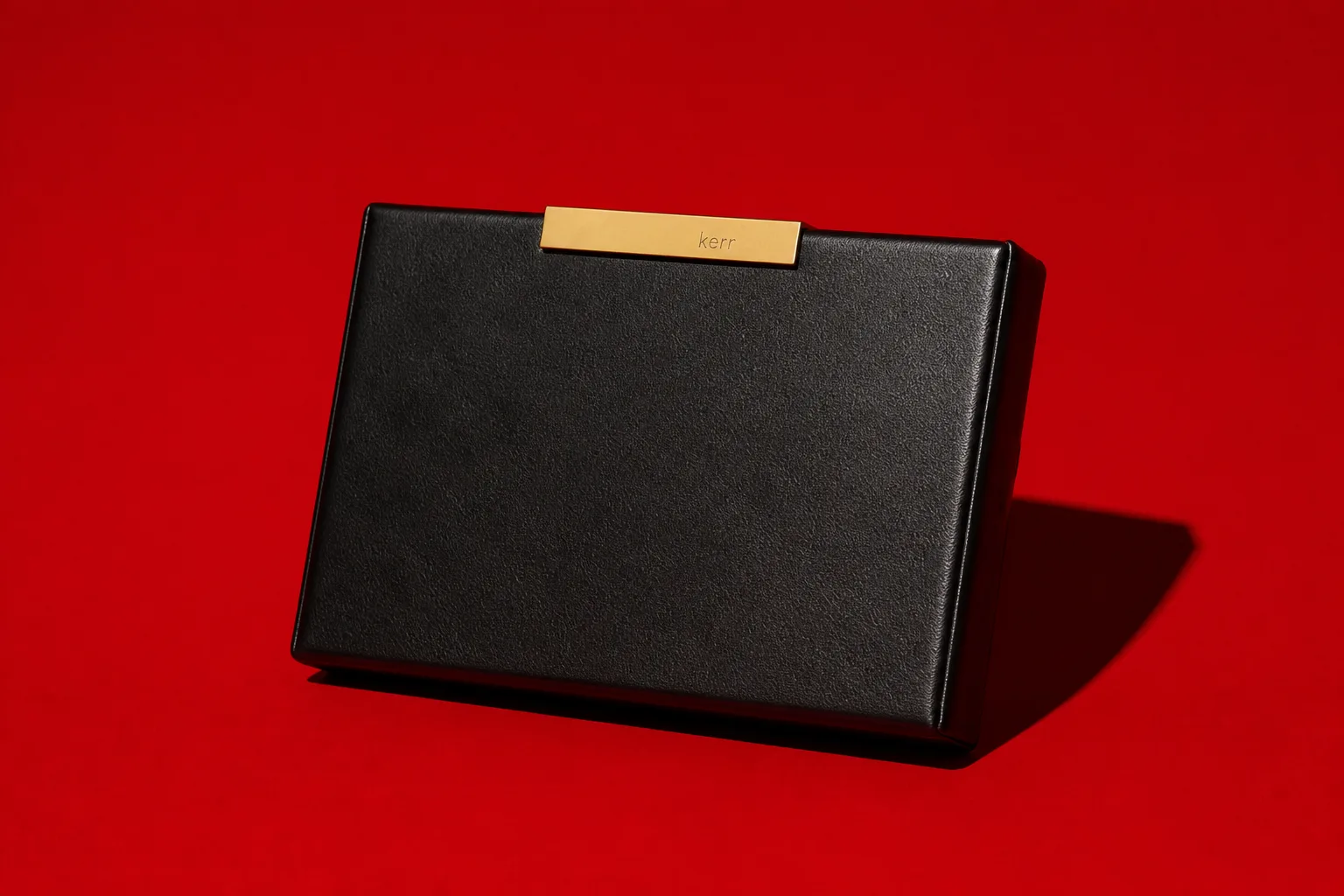
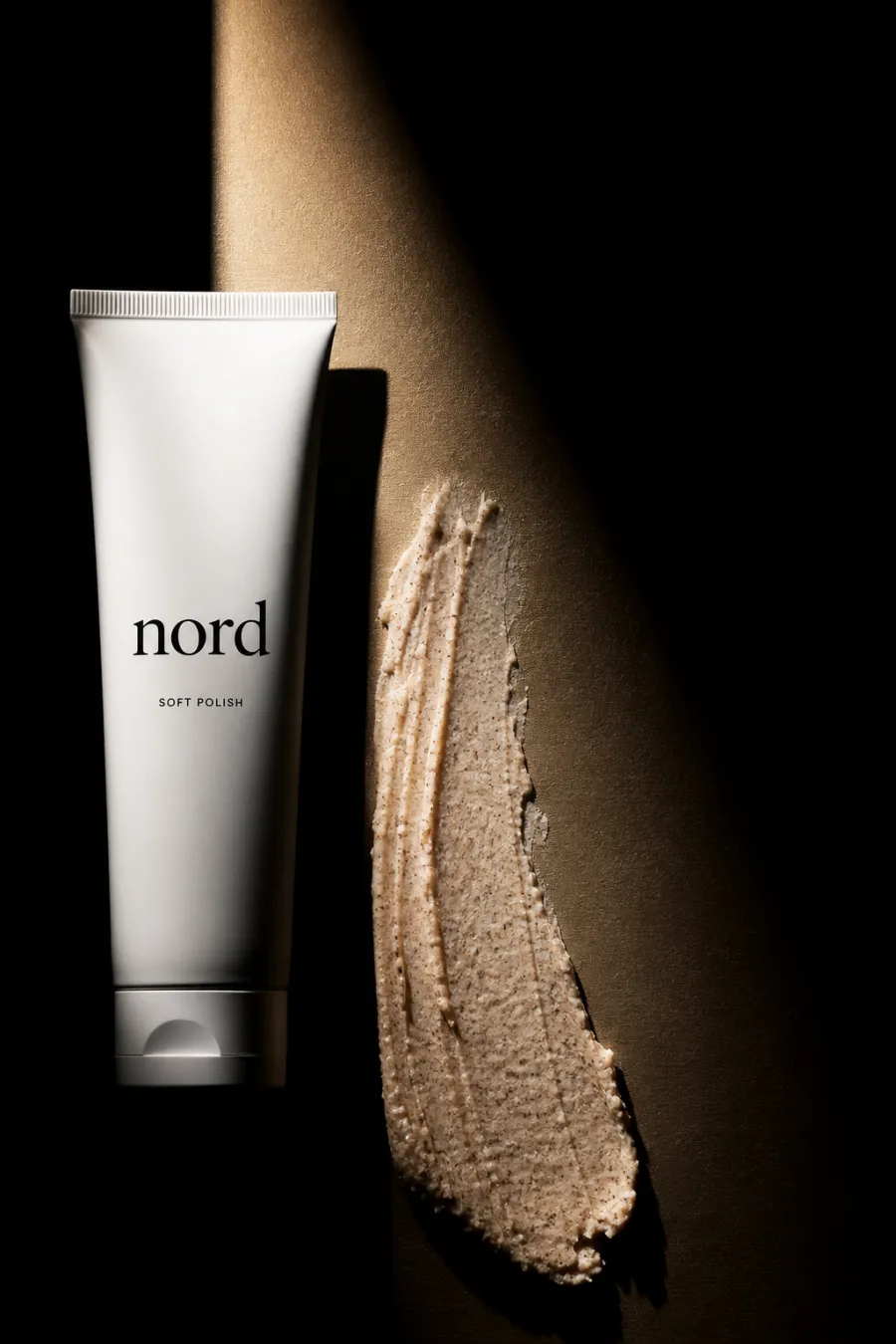
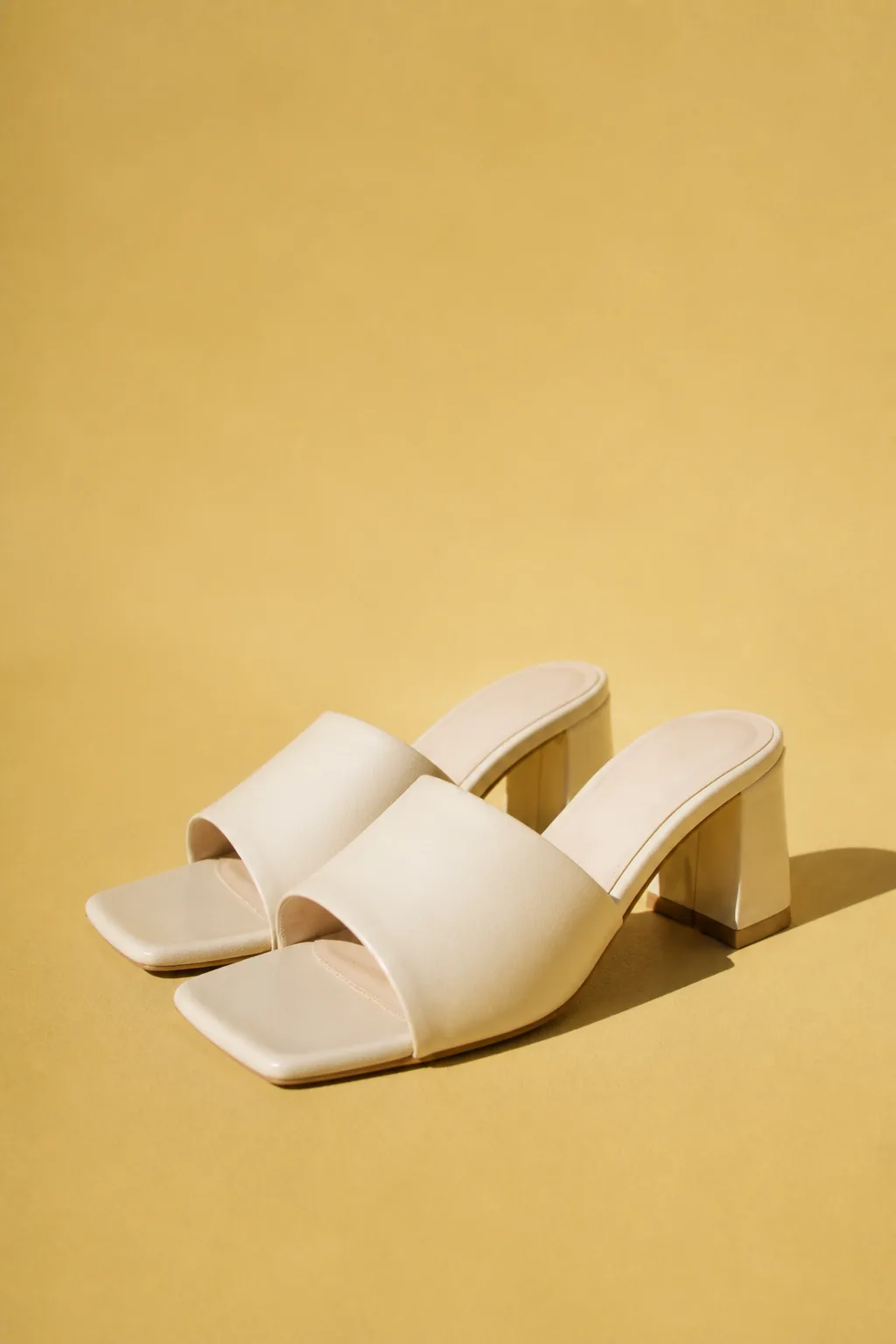
Product photos made with Lomar
Real results from the studio. The brands shown are demo brands made for these examples.
Questions
Product photography: questions and answers
What kind of photo do I need?
One clear photo of the product is enough, even from a phone. You can also choose an image from your Library or paste a product or shop link.
Will my product look the same?
Lomar works from your reference photo, so shape, colour and label carry over. Check every image before you publish it: AI can still miss small details such as fine print.
Can I add a model?
Yes. Book one of 46 models on permanent call and keep the same face across your product shots and campaigns.
What does it cost?
Each generated image costs 2 credits. The Starter plan is $9.99 per month and includes a 3-day free trial with 6 images, with no charge if you cancel before day 3. Credits work on the web and in the iPhone app.
More from the studio